Need help? Call:
+48 790 380 322



Choose a delivery country and we will match the offer to your country.


 Computer Components
 Computers
 Laptops
 Gaming
 Televisions & Audio
 Smartphones & Smartwatches
 Small Household Appliances
 Household appliances
 Photo
Photo
 Toys and kids
 Sports & Leisure
 Household & Garden
 Office
 Hobbies
 Beauty
 Animals
 Food products

Shipping: In 3 days
Delivery starting at: No deliveries available for this product
Number of pieces

Shipping: Tomorrow
Delivery starting at: No deliveries available for this product
Lowest price from 30 days before discount: PLN 447.15
Learn more about this product.
EAN code: 5905101597372
The keyboard case is the perfect solution for those who are looking for not only functionality, but also elegant protection for their tablet. With advanced features such as magnetic keyboard attachment and integrated touchpad, your tablet will gain versatility.
✔️ Fits Apple iPad Pro 11 Gen 5 A2836 A2837 A300
✔️ Magnetic case closure clip
✔️ Magnetic keyboard mount
✔️ Bluetooth Keyboard
✔️ Built-in touchpad
✔️ Status LEDs
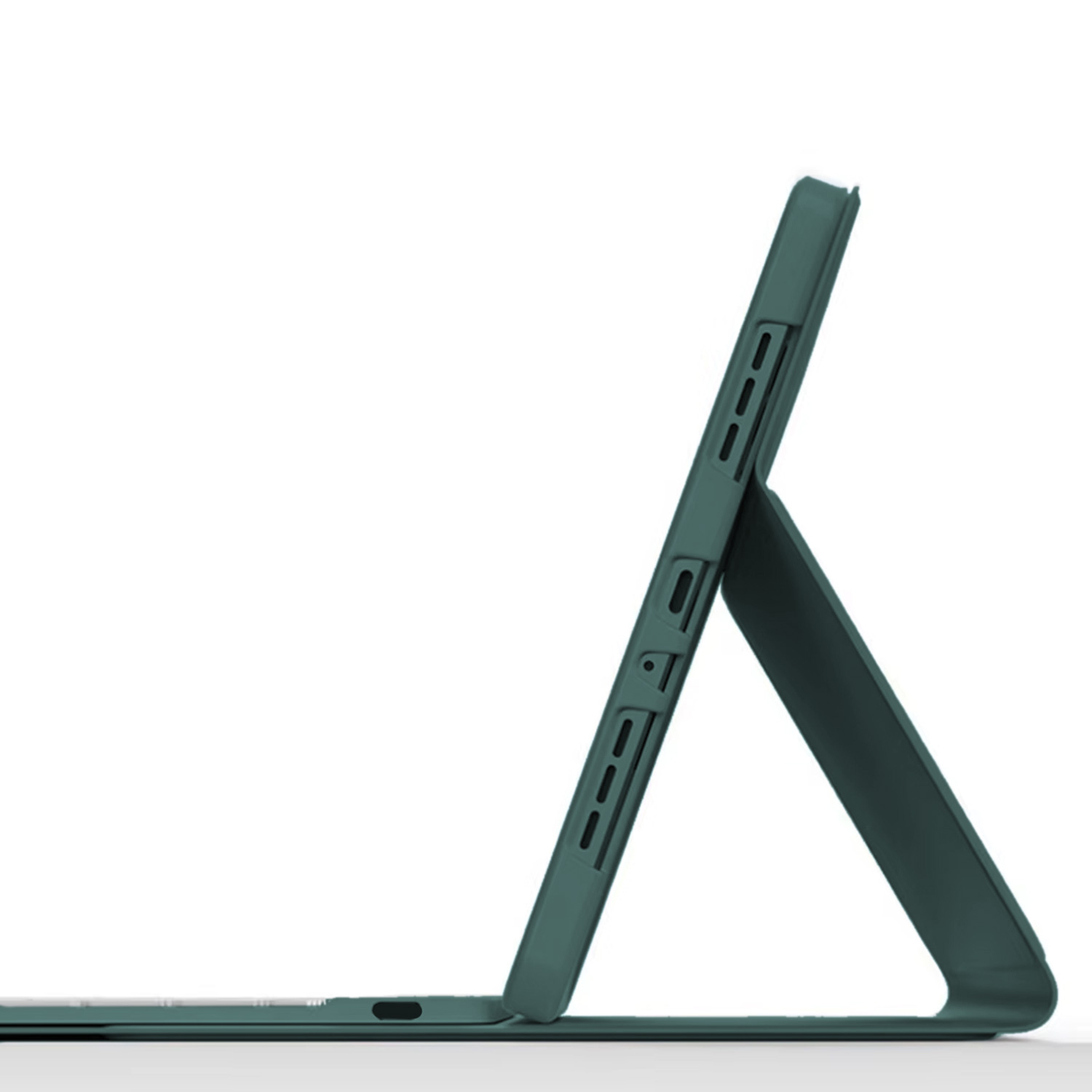
✔️ Cutout in case for camera camera
✔️ Exact fit to the shape of the tablet
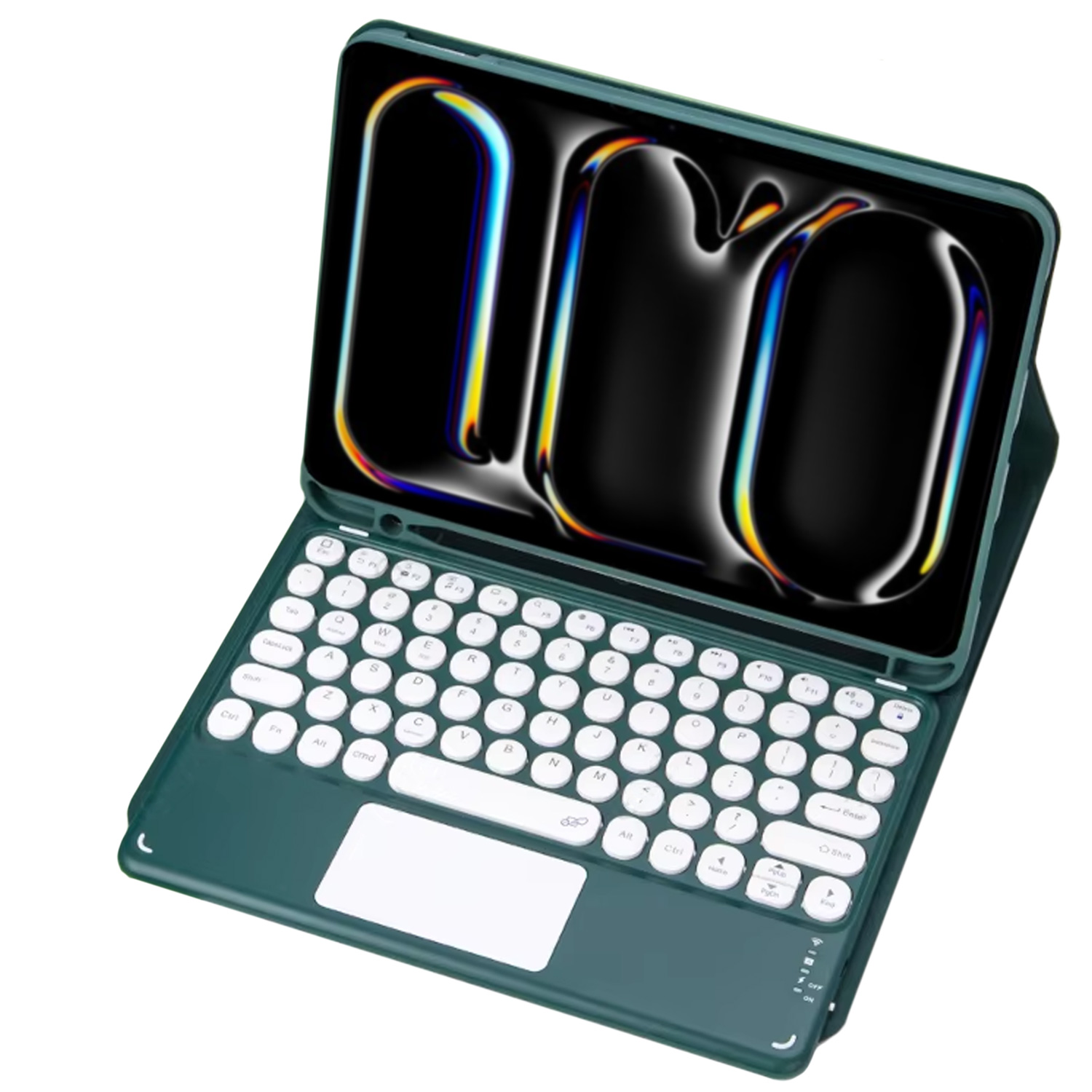
The product pairs with the tablet via Bluetooth technology. To start pairing, start the keypad by flipping the switch to state "He".
Then press the "Fn" and "C" buttons on the keyboard simultaneously. After performing the above steps, the keyboard will enter the pairing state, and you will be able to find it in the Bluetooth menu of the target device.
After selecting the device on the tablet, a message with the pairing code will appear on the screen - enter ko on the keyboard and then confirm the entry by clicking the key on the keyboard "ENTER".

The case closes with a magnetic latch located on the leather case band.
The keyboard itself, has in the corners of the case, small magnets that provide support for it on the surface of the case itself, so that when closed, the keyboard does not slide out or fall out.
The lower right corner of the keypad is equipped with status LEDs, indicating whether the device is running/charging, and in what mode it is operating.


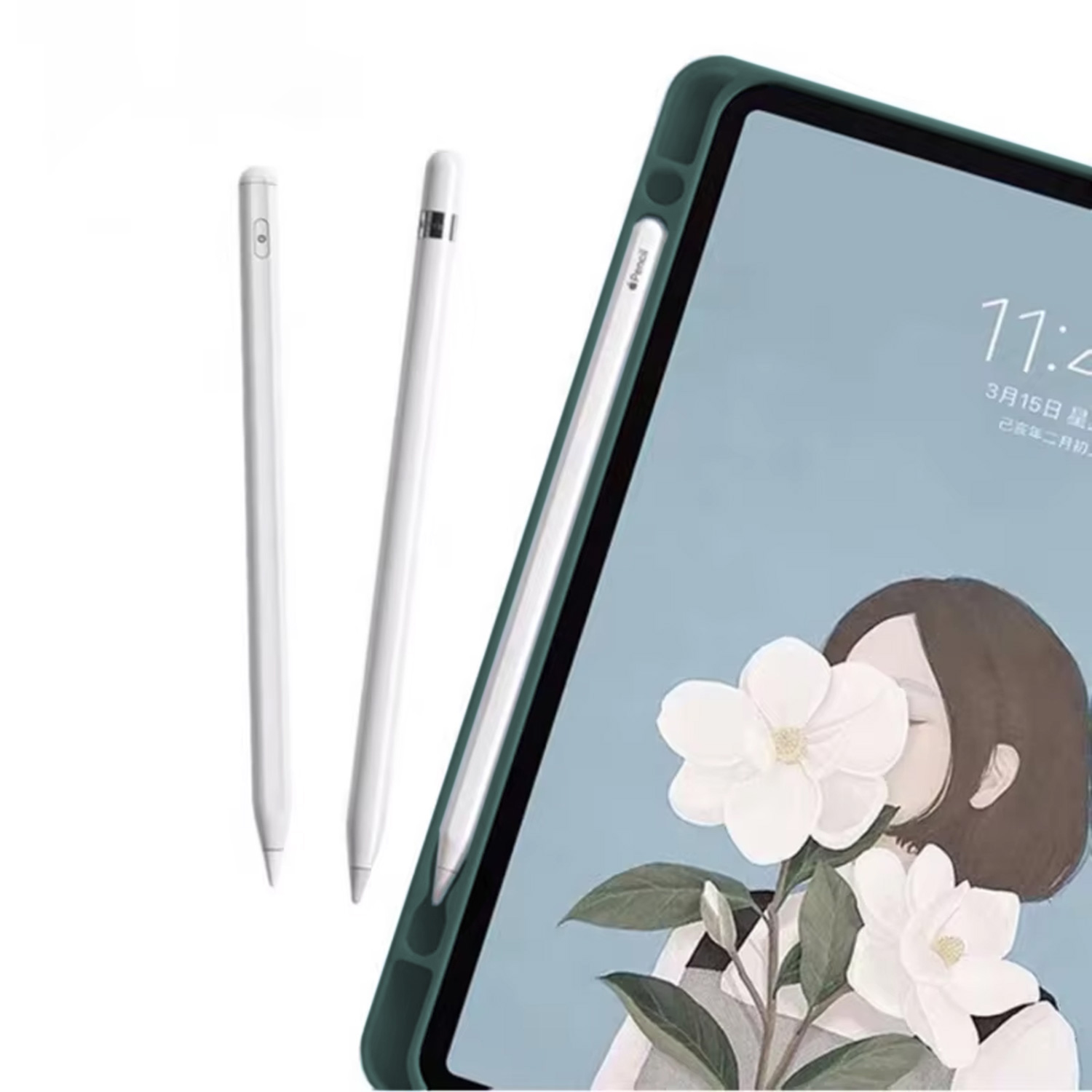
Explore the full capabilities of the product.
There are no reviews
See the history of recently viewed products.


Are you sure you want to perform this action?